 CS2D
CS2D  CS2D Shadows & Lights Alpha Application
  182 like it!
 Offline
Note: That's just alpha version. This means it might have errors/bugs.
Exported lights & shadows images are in same folder as the tool.
=== [ Info ] ===
 Version: 0.0.1.0 (Alpha) Release Date: 2010/11/27 Forum Thread: Shadows & Lights Development (Click) Preview Video: Watch Here (Click) Operating System: WinXP, Win7, WinVista
=== [ Application Features ] ===
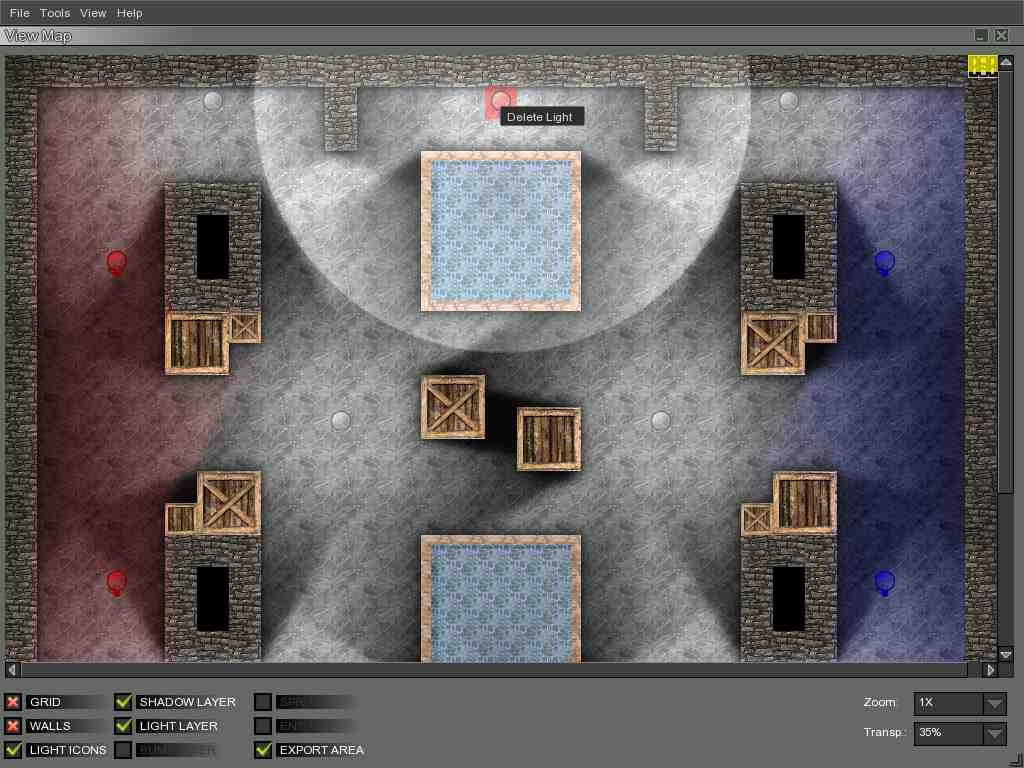
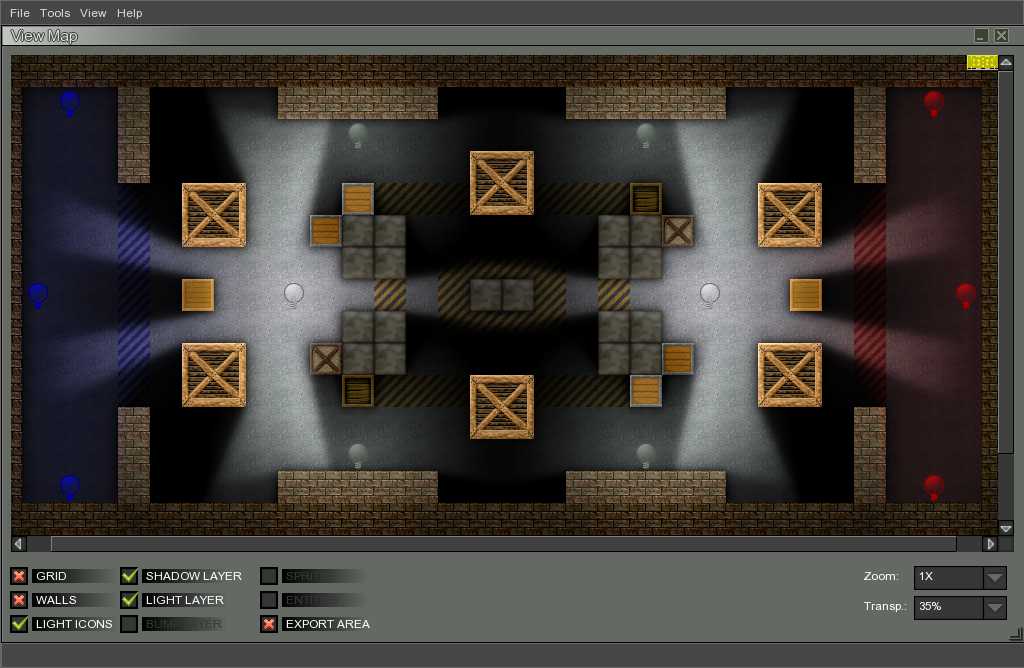
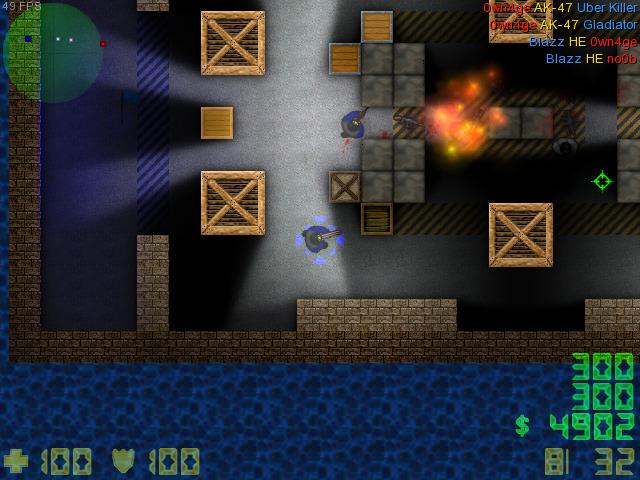
 Comfortable interface Loading CS2D .map format Accurate light physics RGB light layers Shadow layers Gloom effect Penumbra effect Compressed PNG Soft shadow edges Generating Options
-->
 Scaling/Resizing
-->
Collisions-->
Wall Properties-->
Lights Bloom-->
Darkness-->
Shadows Penumbra Projects saving & loading Lights supports: Size & RGB colors Simple & small tutorial=== [ Special Thanks To ] ===
Roni - Helping with design & testing
BreakMaster - Testing
=== [ Installation ] ===
Extract application file in CS2D folder. Don't forget to keep your old map & gfx files.=== [ Contacts ] ===
Unreal Software User: BlazingEyed E-Mail : - Email address (only visible with login) - 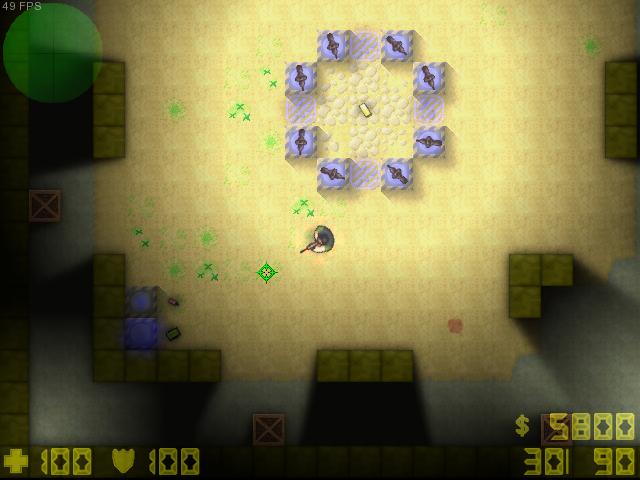

edited 11×, last 08.12.11 10:20:16 pm
Approved by EngiN33R
 Download
657 kb, 4,255 Downloads

 1
1 

 The Dark Shadow: I lost the code years ago.

